Pick the job
Choose hero banner, product shot, social ad, portrait, reference edit, or brand campaign before writing the prompt.
Use AI Studio V2 Pro to create polished visuals for landing pages, product launches, ecommerce listings, social ads, creator posts, professional profiles, and brand campaigns.
Campaign use cases
Start with the final asset you need, choose the matching Pro mode, set the frame, and describe the subject, setting, lighting, brand tone, and output goal. The point is practical campaign output, not random artwork.
Workflow
Use this flow when you need visual assets for a real page, post, ad, listing, or brand deck.
Choose hero banner, product shot, social ad, portrait, reference edit, or brand campaign before writing the prompt.
Use wide for web, square for product and profile, vertical for stories, and feed portrait for social campaigns.
Describe the subject, audience, lighting, color, camera style, brand mood, and commercial purpose.
Use the examples page as a quality bar, then tighten the prompt or switch modes when the asset needs a different format.
Illustrated examples
Each example maps a common content job to a Pro mode and a campaign asset.
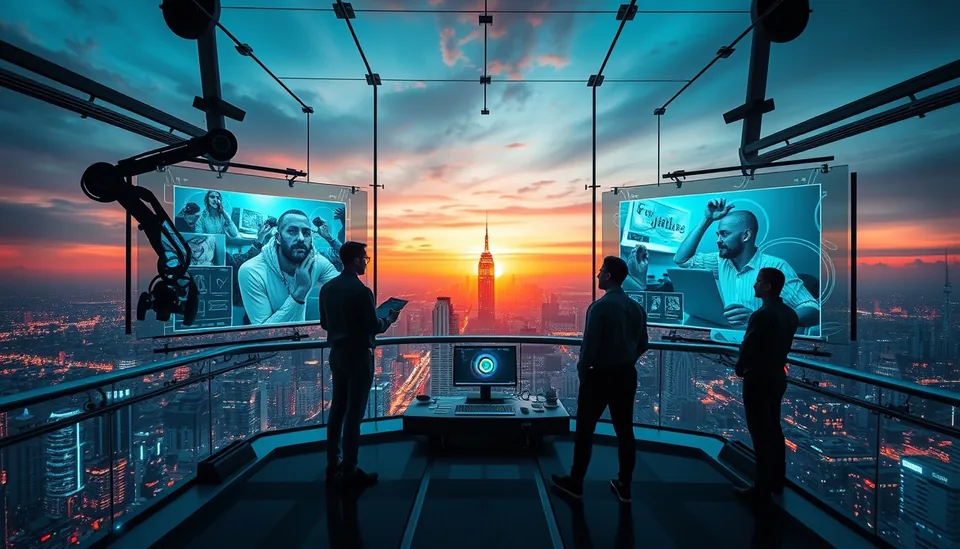
Draft web hero concepts, pitch deck covers, and product-launch imagery for review before final creative production.
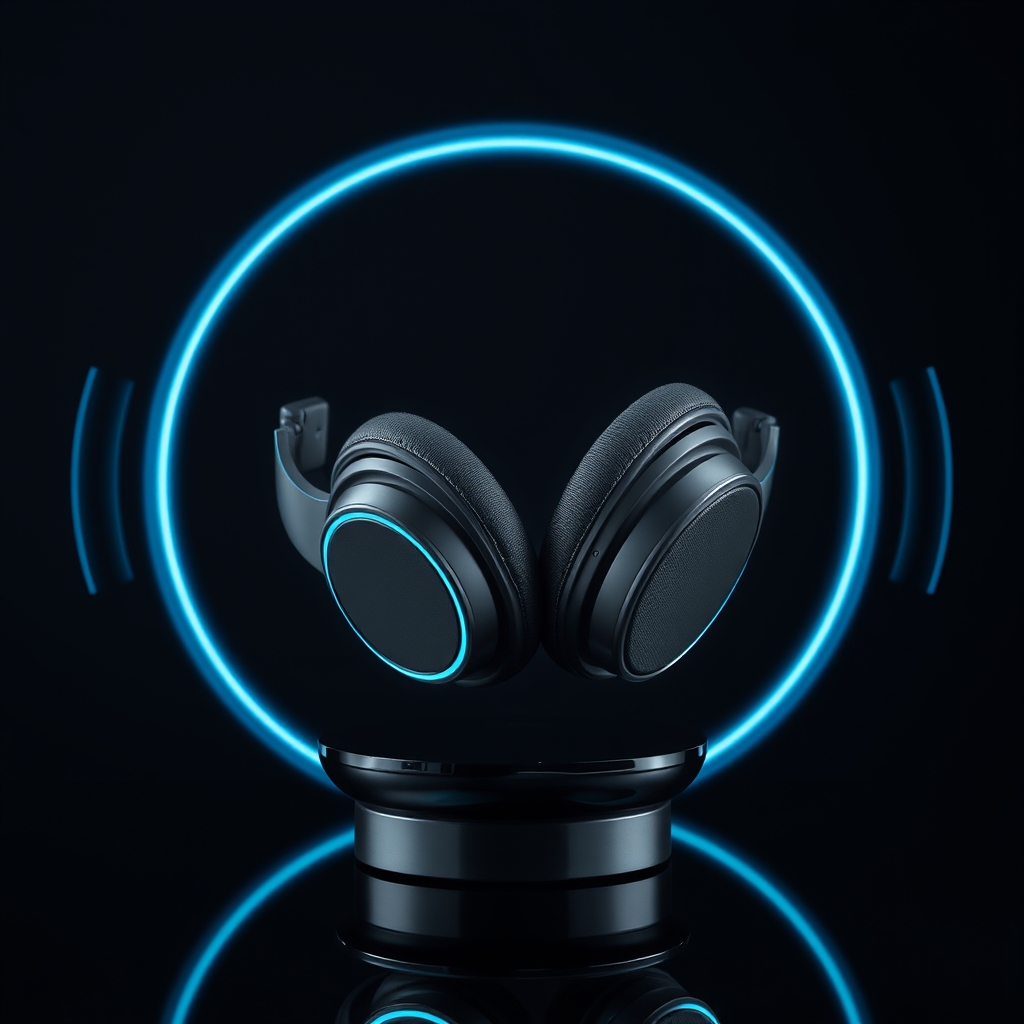
Draft product visual concepts for listing thumbnails, launch graphics, and ad tests. Verify the product’s shape, features, labels, text, and logos before publishing; generated details may differ from the real item.
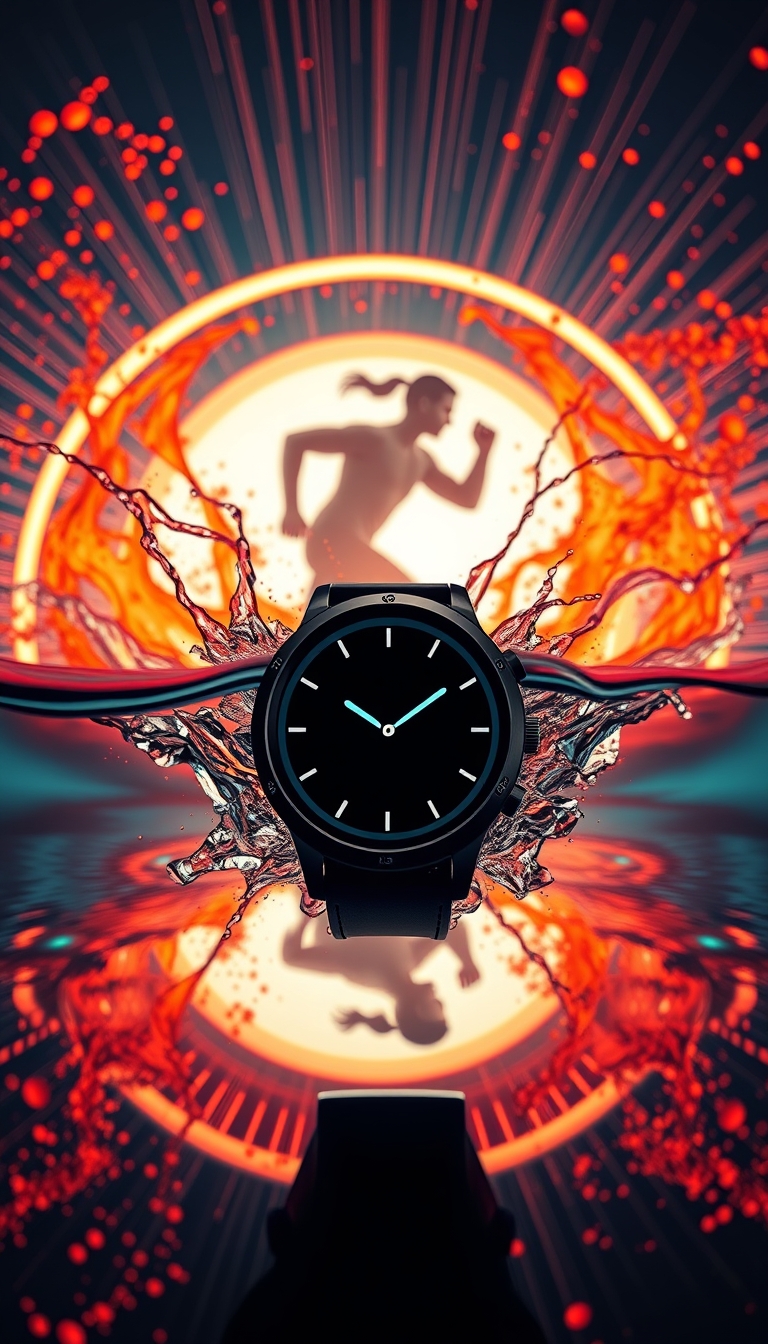
Create bold vertical creatives for Reels, TikTok, stories, and paid ad variations with campaign direction baked into the prompt.
Reference edit workflow
Professionals can start with a rough product photo, object, portrait, or source reference, then use a Pro prompt to push the image toward a cleaner commercial style. This is useful for concepting, product positioning, and visual direction before a final shoot or campaign.


Before generating
Decide whether the visual is for customers, followers, investors, clients, or marketplace shoppers.
Name the final use: homepage hero, Instagram ad, product listing, LinkedIn banner, profile page, or launch deck.
Use words like premium, clean, editorial, cinematic, energetic, professional, luxury, minimal, or playful.
Pick frame size, keep text-safe space when needed, and add negative prompt details for fake text, clutter, or extra objects.
Choose the right page
Start generating with Pro modes, frame formats, prompt controls, variants, and history.
Compare hero, product, social, portrait, fantasy, and brand campaign outputs.
Learn the Pro workflow: modes, frame formats, reference edit, variants, and prompt history.
Use support if credits, account access, or generation workflow questions slow down a campaign.
FAQ
No. The landing-page examples are built around commercial assets: product shots, website hero images, social ads, portraits, and campaign banners.
Start with the asset type and audience. A clear commercial goal usually improves the prompt more than adding random style words.
Yes. Use vertical or feed frames for social visuals, and describe the campaign hook, product, motion, color, and platform context.
Start the campaign
Open AI Studio V2 Pro, choose the mode that matches your asset, and use the examples as a visual quality target.