MikeSullyTools
Examples ready
Main Workspace
Photo examples

Fix Blurry Photos Before and After

Compare real MikeSullyTools photo cleanup results using outdoor images with motion blur, soft edges, low detail, and hazy contrast.

3 real comparisons
6 source images
Natural cleanup

Real Photo Cleanup Results

These examples show how blur can be reduced, rock detail can be recovered, and wooded trail scenes can be cleaned up using the live MikeSullyTools photo workflow.

Each pair uses the same source image on the left and the cleaned result on the right, so the change is easy to scan before you try your own photo.
Motion Blur Example

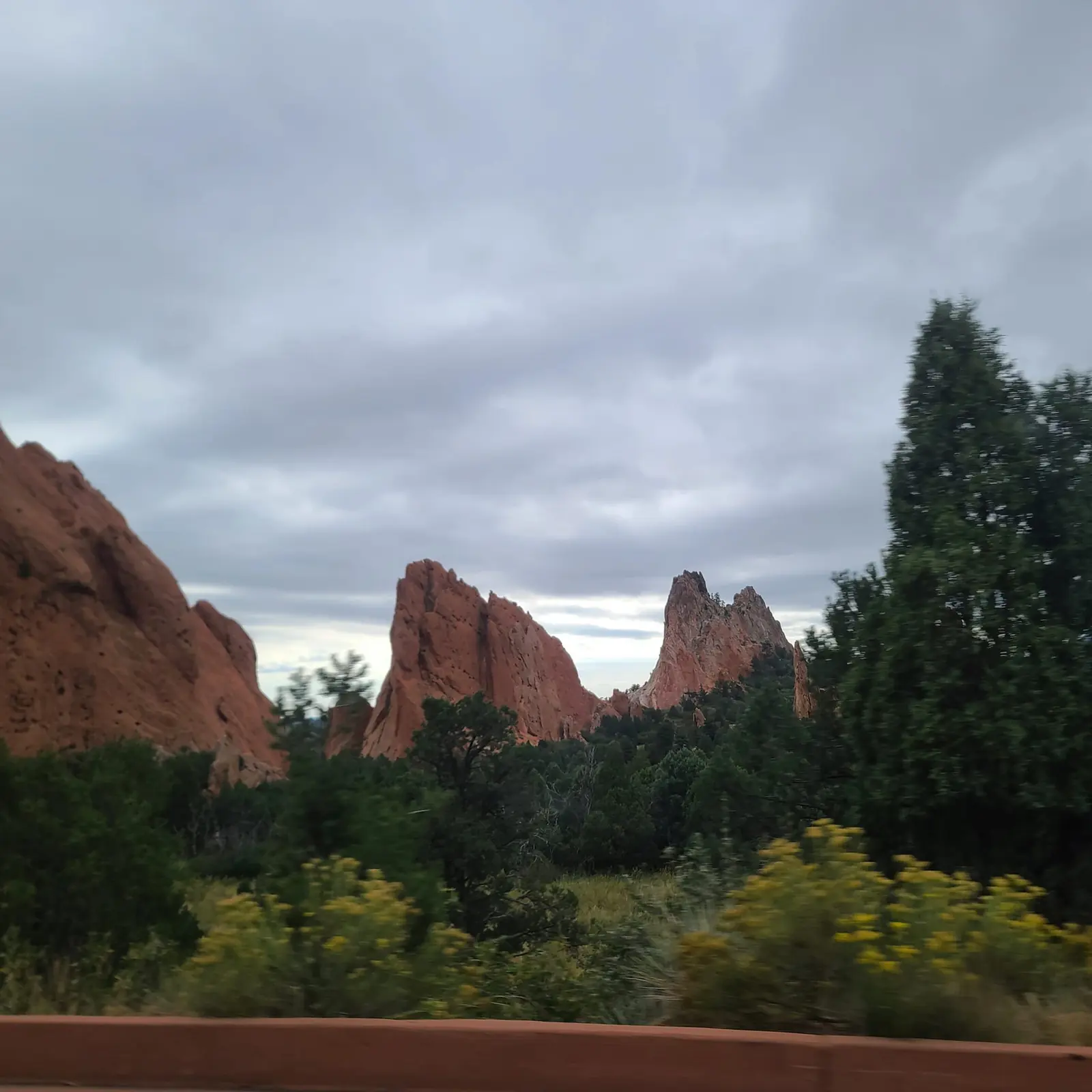
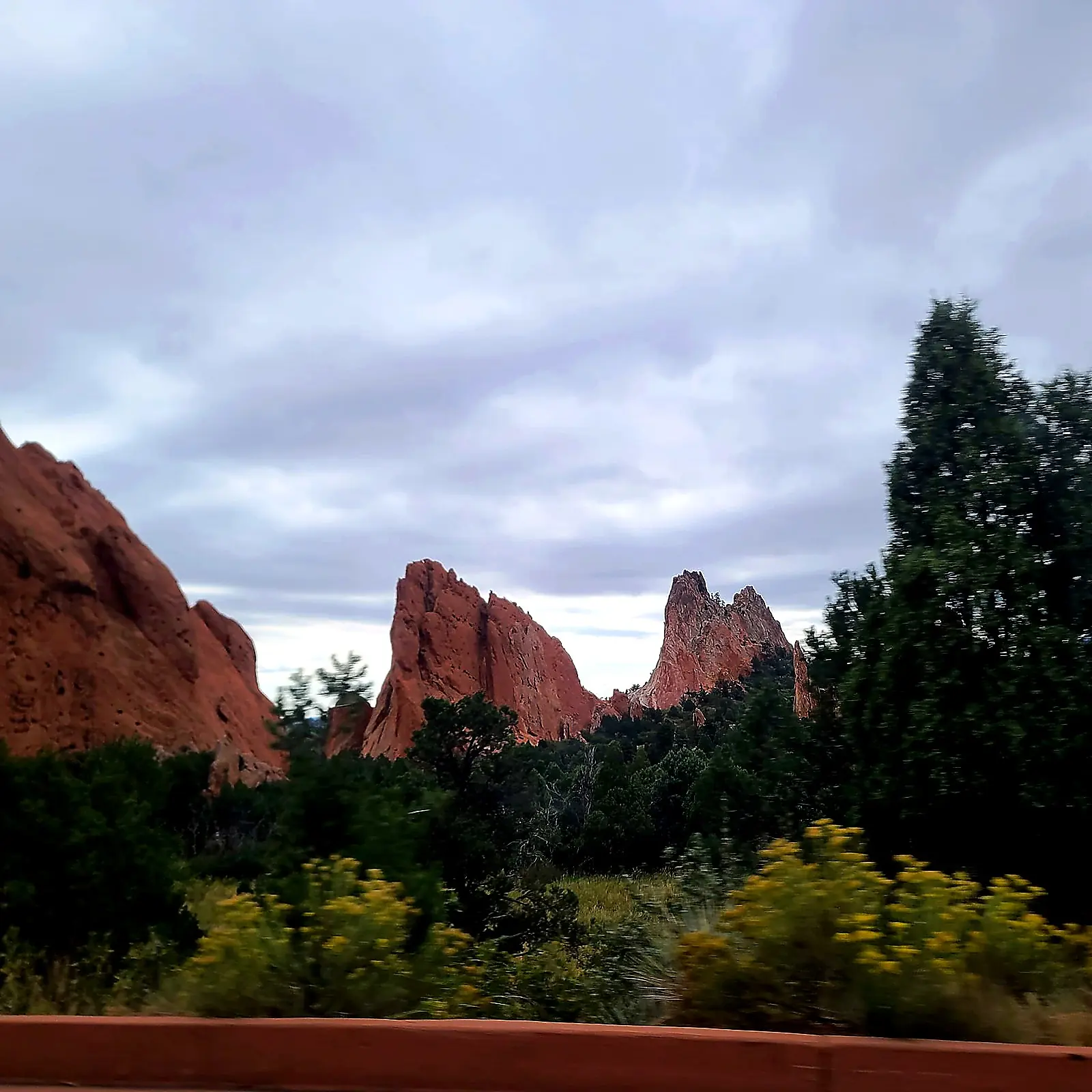
Red Rock Drive-By Cleanup

A soft red rock scene sharpened with cleaner formation edges, stronger tree separation, and clearer cloud detail.

Before
before and after photo enhancement example of red rock landscape before cleanup
Image not found
Expected file: photo-example-red-rocks-before.jpg
Motion blur softens the rock spires, foreground trees, and cloud texture.
After
before and after photo enhancement example of red rock landscape after cleanup
Image not found
Expected file: photo-example-red-rocks-after.jpg
Rock edges and tree shapes read more cleanly, with stronger depth across the scene.
Rock Formation Example

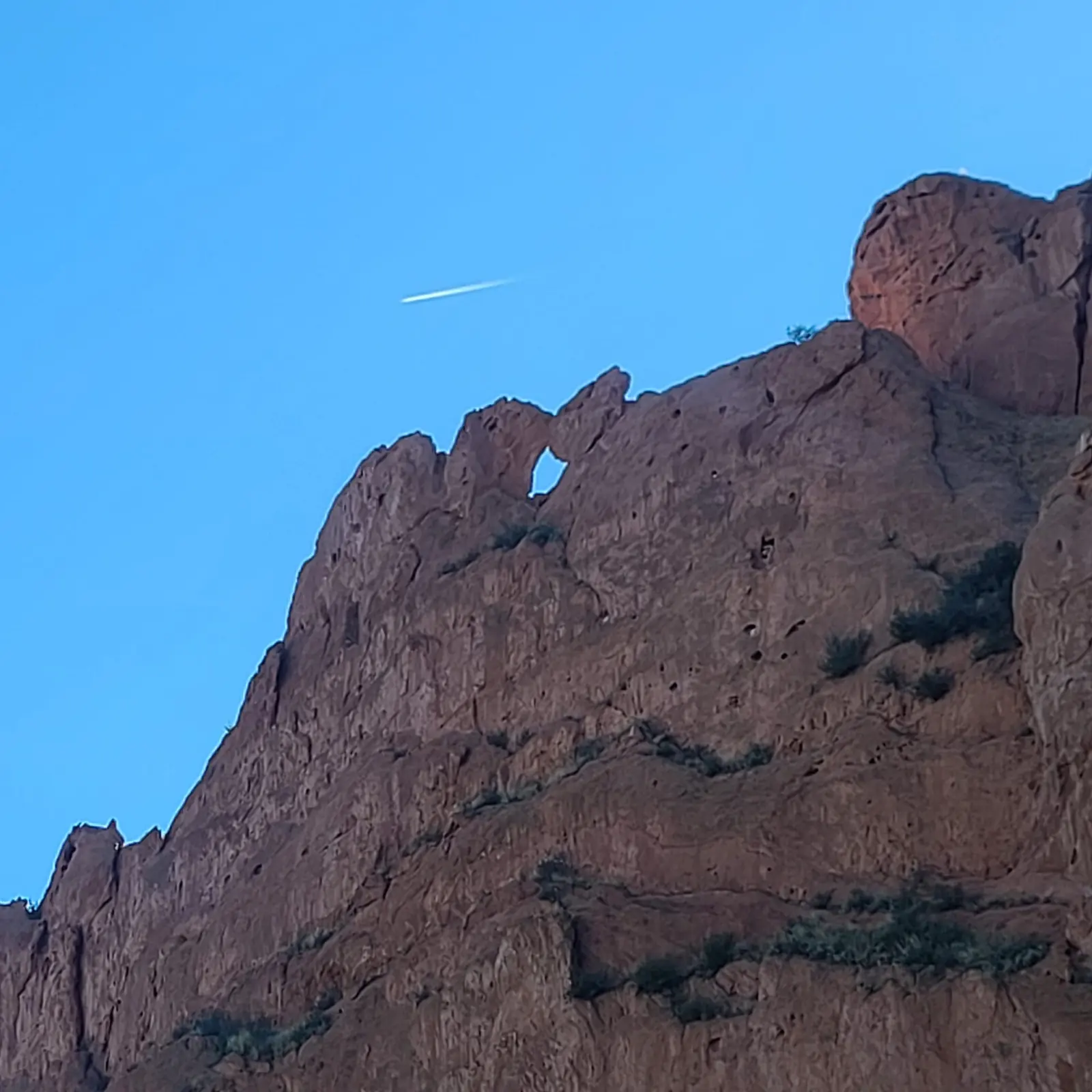
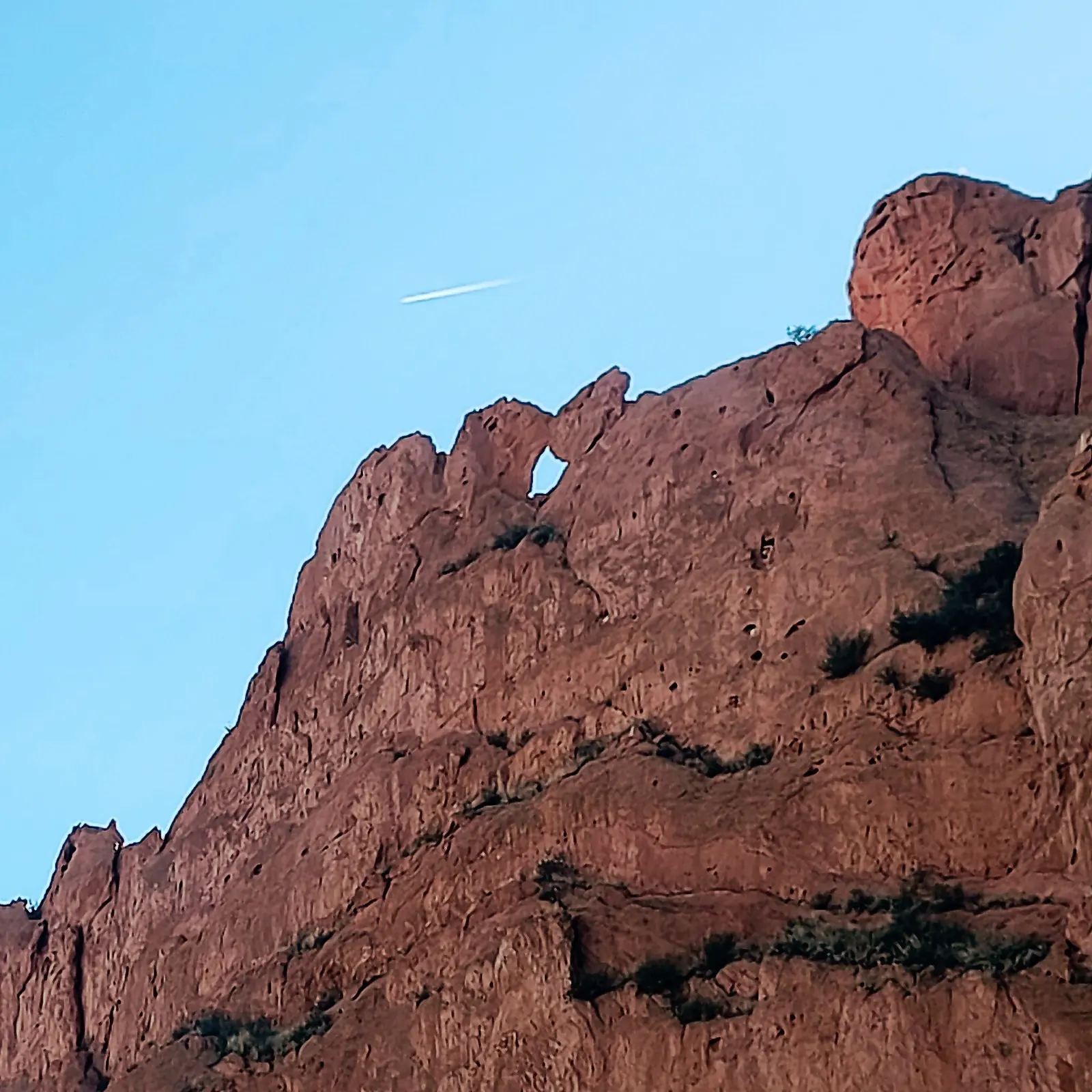
Soft Cliff Detail Recovery

Texture, edge definition, and contrast improve without making the scene look overprocessed.

Before
before and after photo enhancement example of rock formation before cleanup
Image not found
Expected file: photo-example-camel-window-before.jpg
Fine cracks and openings in the formation look softer, with less separation in the cliff face.
After
before and after photo enhancement example of rock formation after cleanup
Image not found
Expected file: photo-example-camel-window-after.jpg
Edges around the rock window read cleaner, with better texture and more readable contrast across the stone.
Trail Landscape Example

Woodland Trail Cleanup

Cleaner branch separation, better shoreline detail, and a more readable rocky path in a slightly soft outdoor photo.

Before
before and after photo enhancement example of wooded trail before cleanup
Image not found
Expected file: photo-example-trail-lake-before.jpg
Thin branches blend together, the shoreline looks hazy, and the rocky trail reads a little flat.
After
before and after photo enhancement example of wooded trail after cleanup
Image not found
Expected file: photo-example-trail-lake-after.jpg
Branches, shoreline, and the rocky trail separate more clearly while keeping the scene natural.

How to get similar photo enhancement results

  • Upload a photo directly in the main workspace.
  • Choose a mode like Enhance, Deblur, Clean Up, or Upscale.
  • Preview the result and export the finished image.

Related photo and video tools

Try the same workflow in the main workspace, open the photo landing page, or compare against the video examples page.

Ready to try it on your own image?
Open the Photo Enhancer
Examples shown here are real before-and-after comparisons generated through the MikeSullyTools photo enhancement workflow on April 11, 2026.