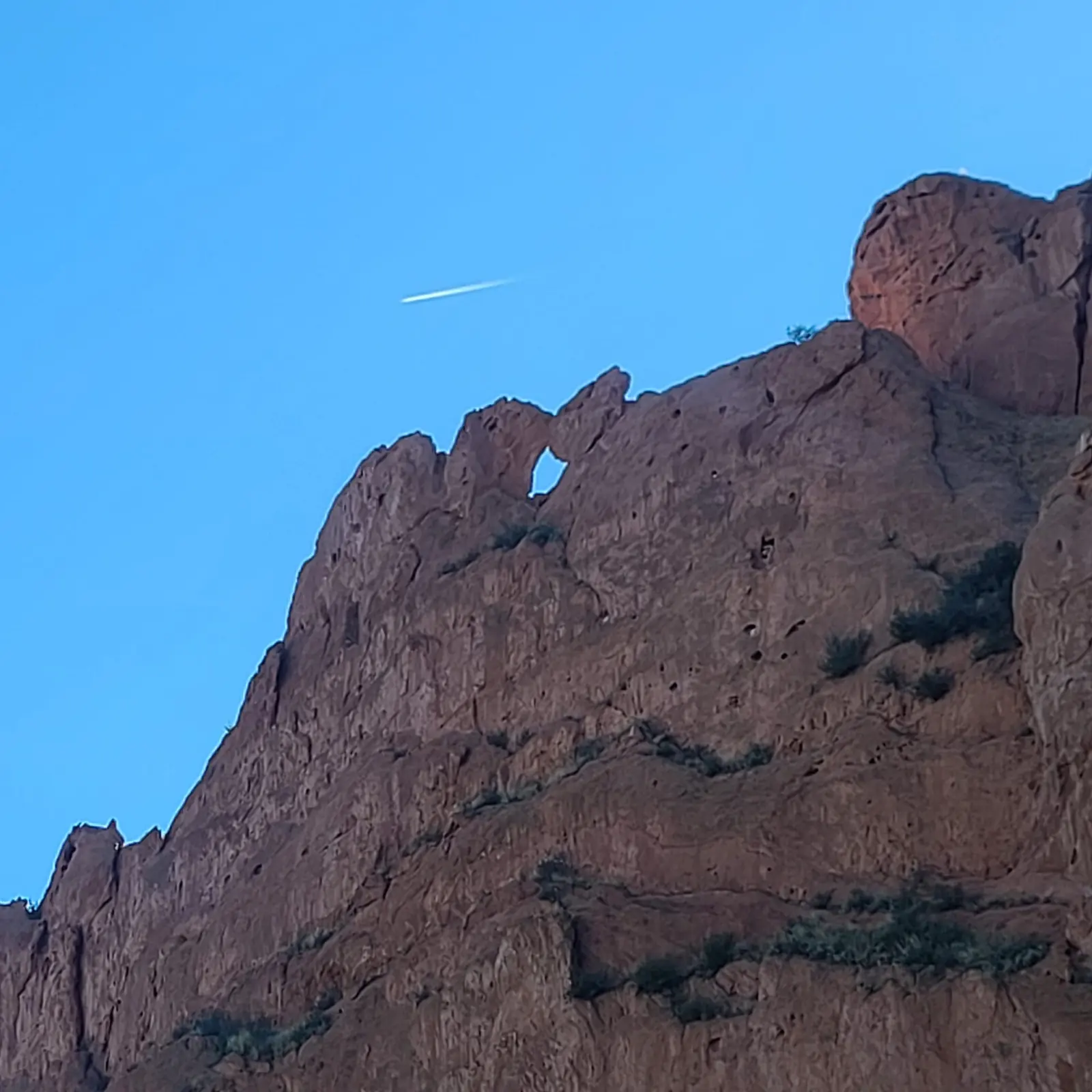
 Before
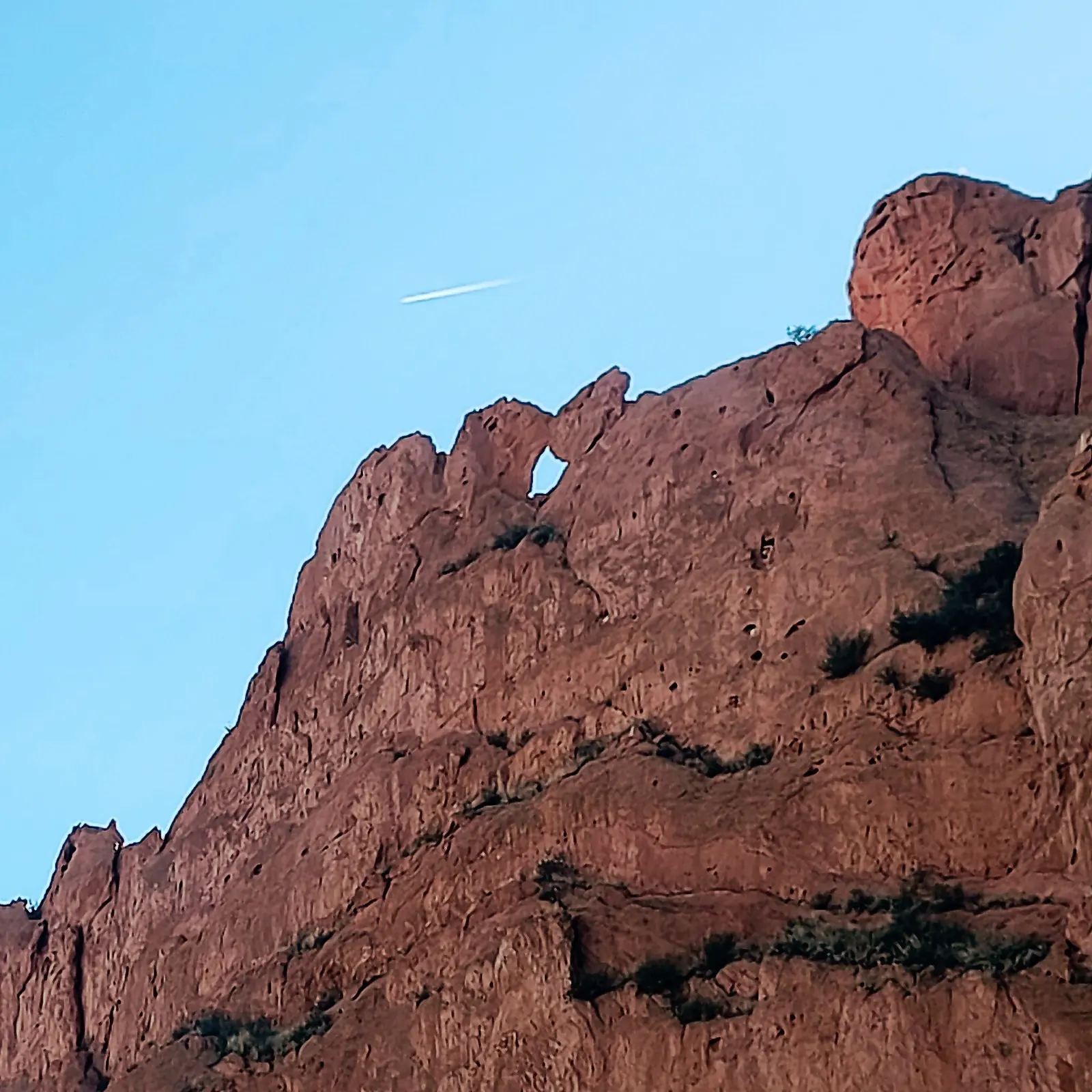 After
AfterSoft cliff detail
Best for judging whether texture and edge separation improve without making the photo harsh.
Improve soft focus and readable edges with AI Photo Studio. Choose your settings, process with credits, then compare the result before you export. Very blurred photos may have limited recoverable detail.
Account required. 1 credit per standard enhancement; 2 for Topaz deblur.
Processing uses credits. Compare before export.
Prefer a quick cleanup? Preview in Quick Photo FixBrowser preview is free. Processing requires an account and paid Quick Photo Fix credits (10 for $5), separate from AI Photo Studio credits.
BeforeSharpenedUse this route when blur, soft focus, or edge readability is the main problem in the image.
Fix Blurry Images Online is the focused route for soft photos. It is best when the picture already has useful content, but edges, stone texture, branches, product details, or text-like shapes need a clearer read.
Start with the reason the image looks soft, then use the matching route instead of applying the same sharpening to every file.
Sign in, upload your image, and choose your settings. Processing uses AI Photo Studio credits; compare the finished result before downloading.
These sample routes show the kind of softness that is worth testing before spending time on manual settings.
BeforeAfterBest for judging whether texture and edge separation improve without making the photo harsh.
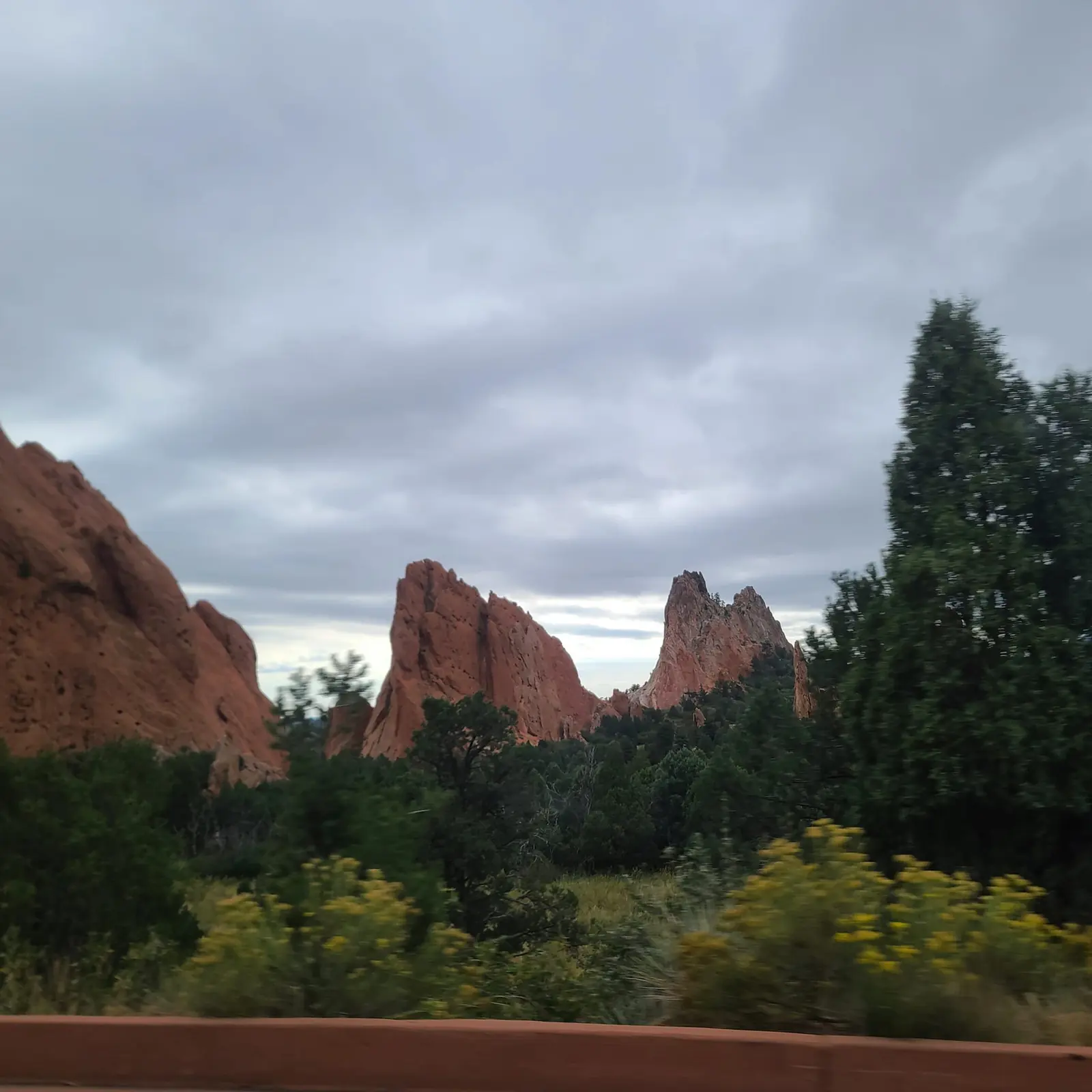 Before
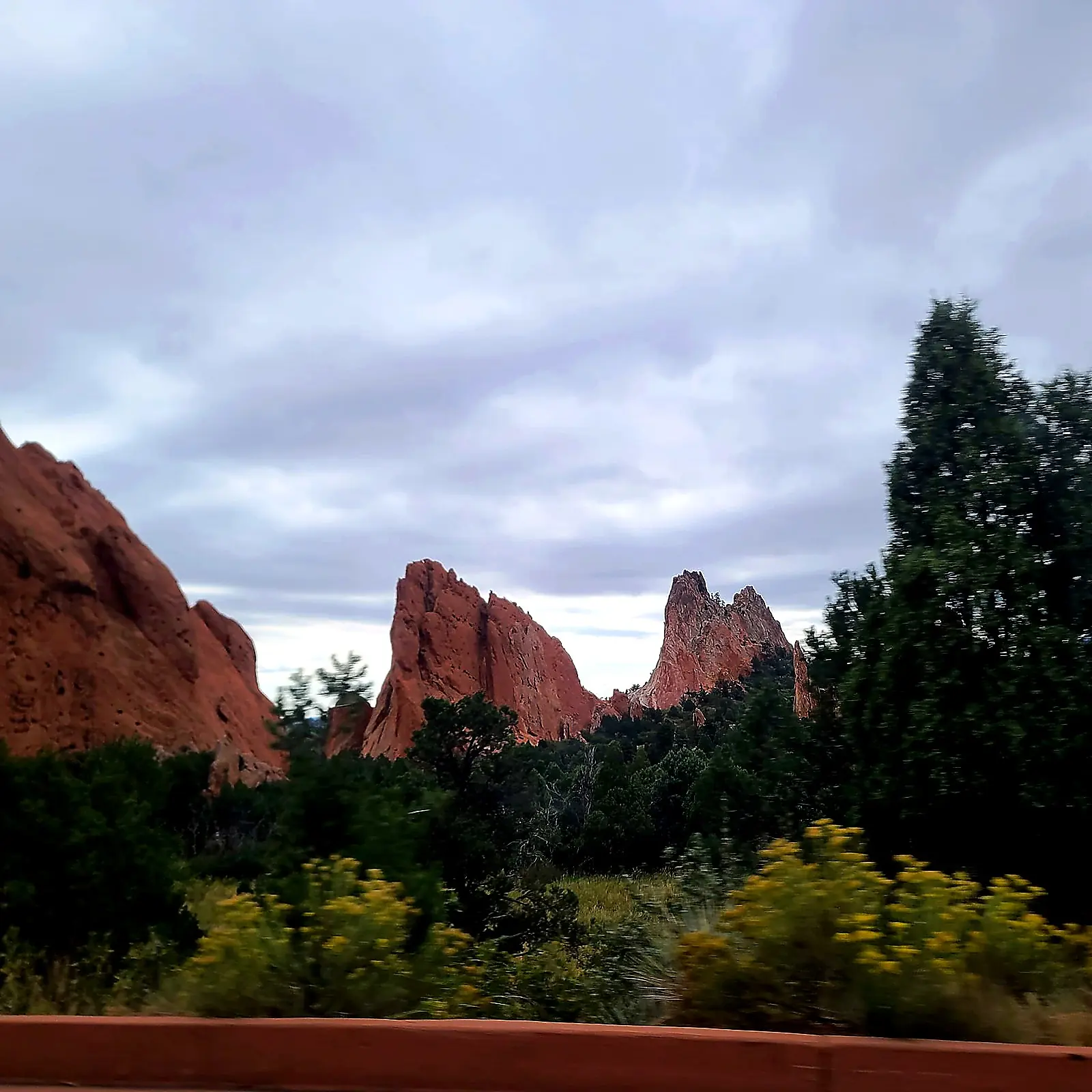 After
AfterUseful when the whole scene needs clearer tree lines, rock edges, and sky texture.
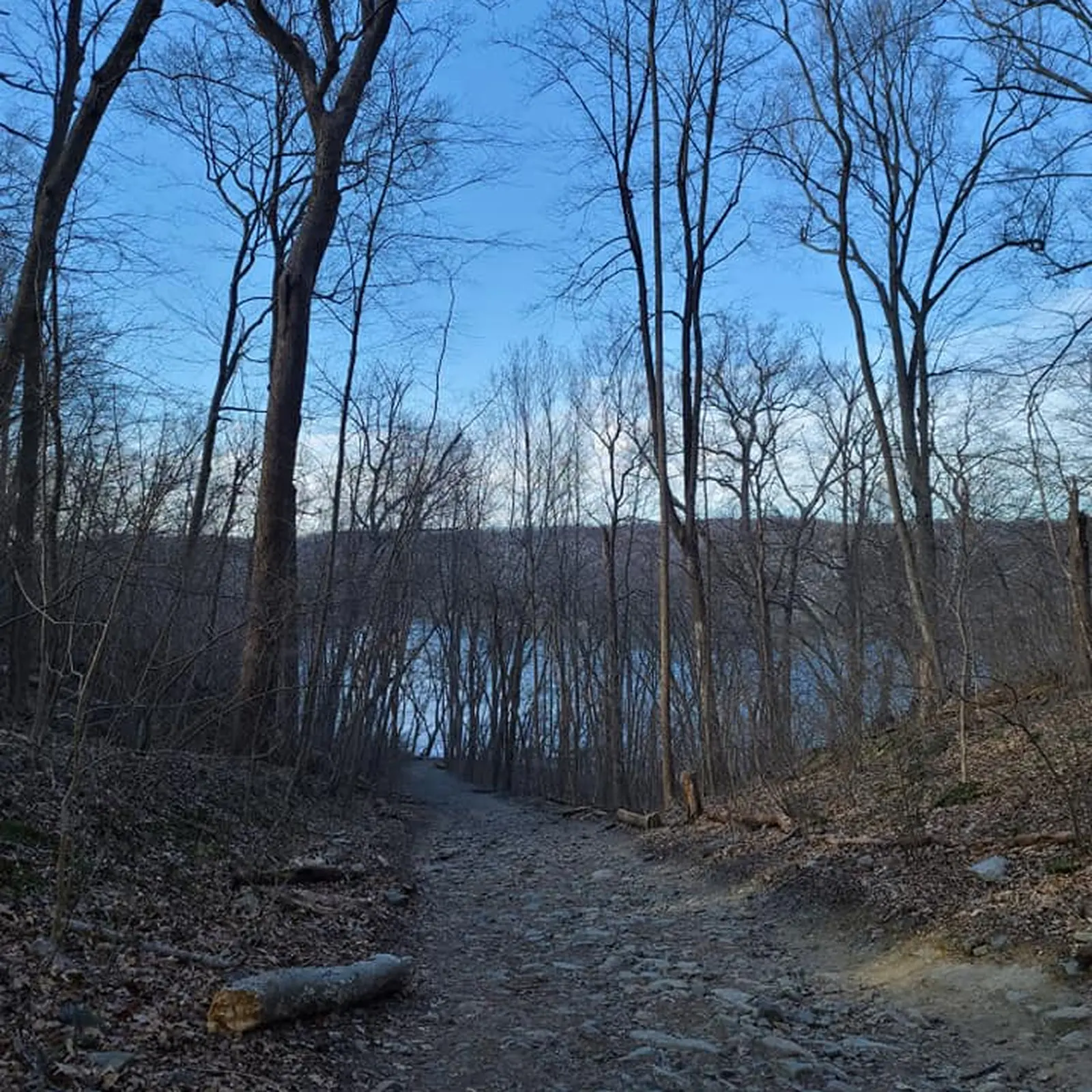 Before
 After
AfterGood for checking whether thin branches, shoreline detail, and path texture read more clearly.
A sharper result is useful only when the important details are easier to read. Compare the output against the original before downloading.
Use blur repair when sharpness is the main issue. Use these related pages when the job is broader or needs more control.
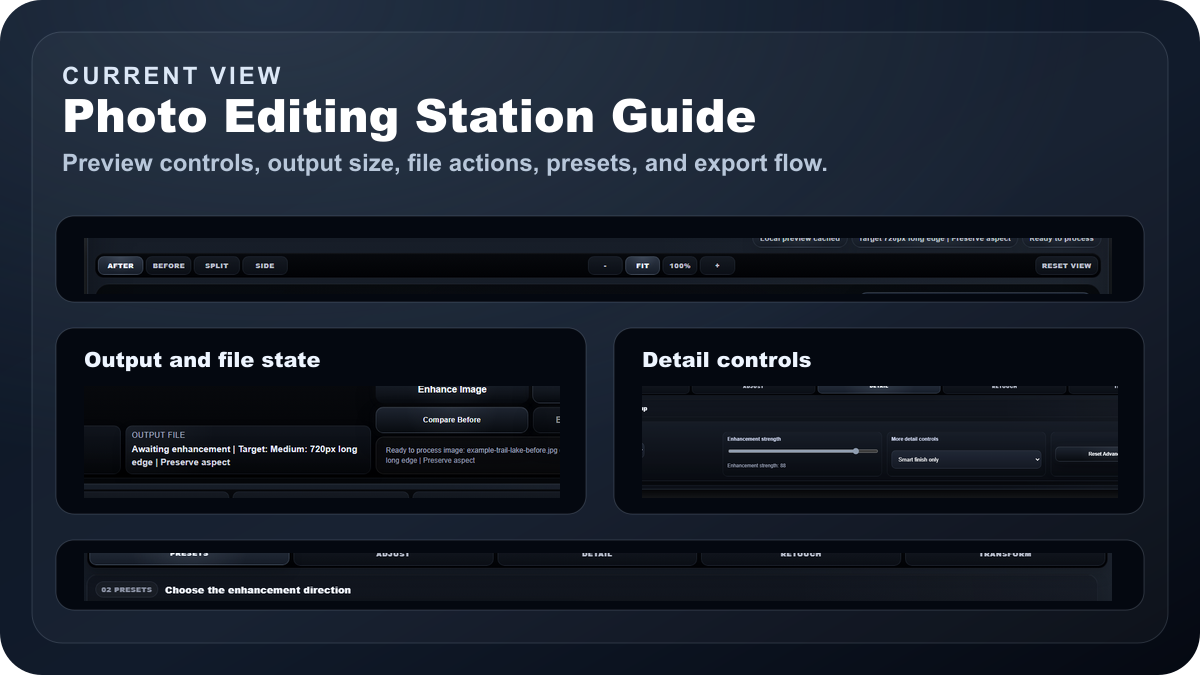
Read How to Make Photos Not Blurry for camera fixes, deblur settings, and a clearer decision path before you export.
AI Photo Studio credits are $0.50 each ($5 minimum). Standard enhancements use 1 credit; premium Topaz deblur uses 2. Your selected pack carries into your account, where you can choose 10 to 50 credits.