Video Enhancement Examples

Video Enhancement Before and After Examples

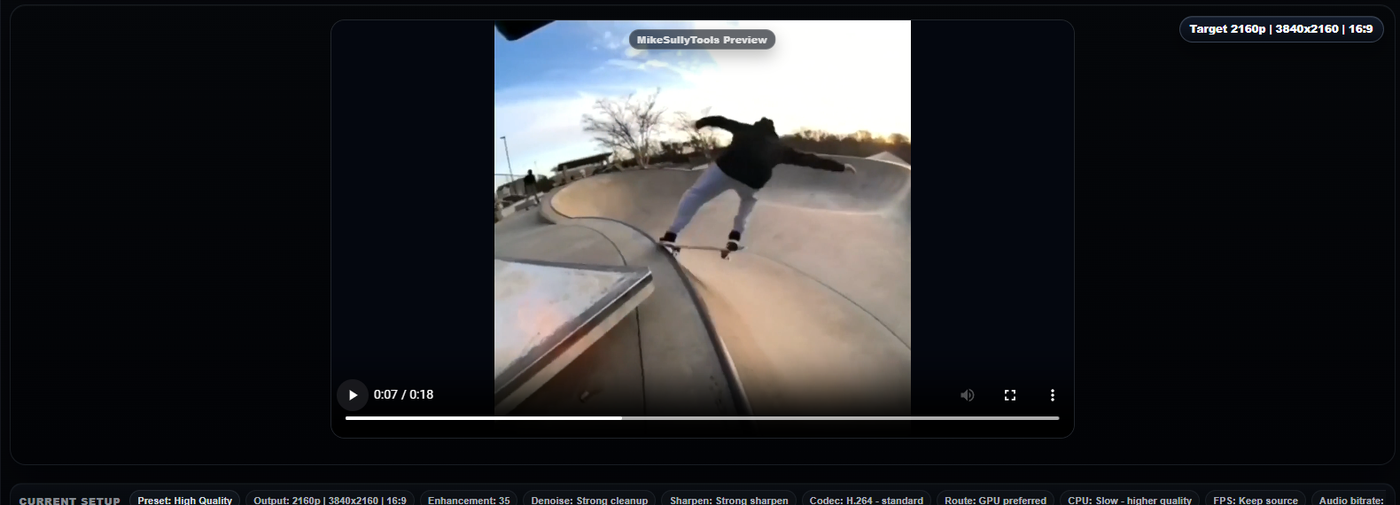
Watch real before-and-after comparisons from MikeSullyTools. These sample clips show practical cleanup gains in noise reduction, sharpness, and overall clarity without turning the page into a giant wall of explanation.

Real Video Cleanup Results

Each pair uses the same source clip and export size. The after version applies a stronger cleanup profile and GPU encoding so you can compare the visual difference directly.

Example 1

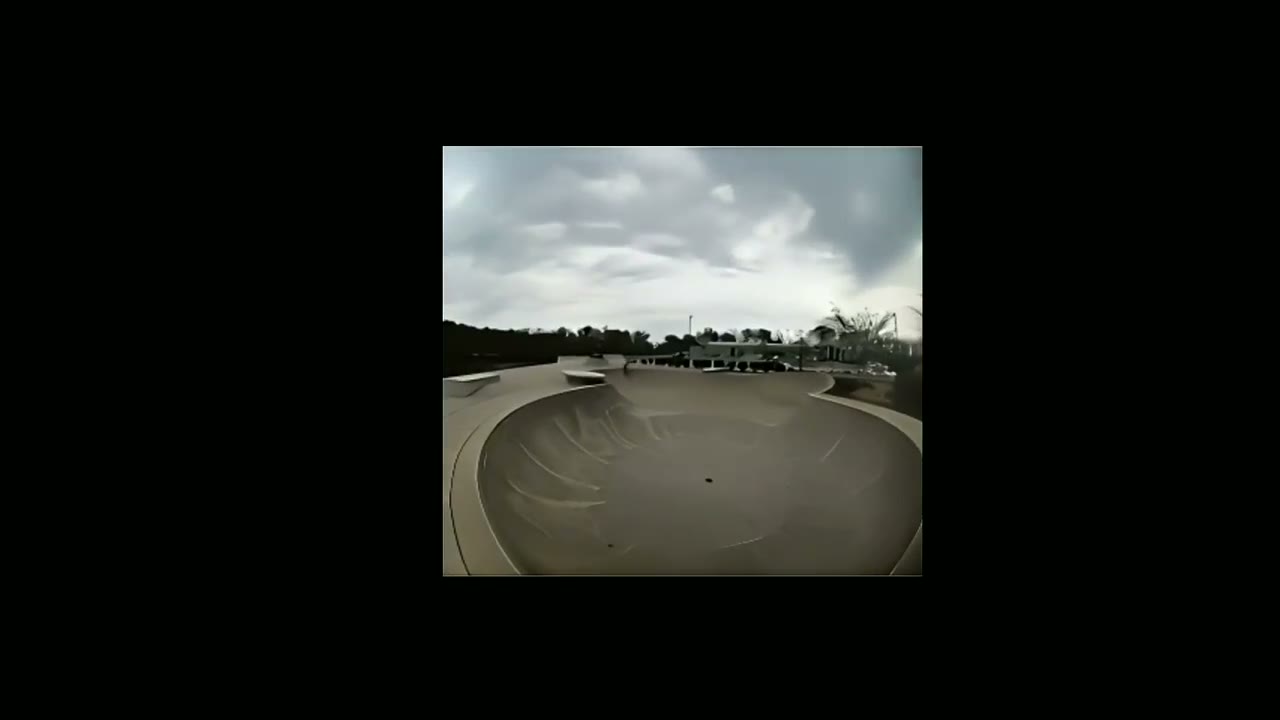
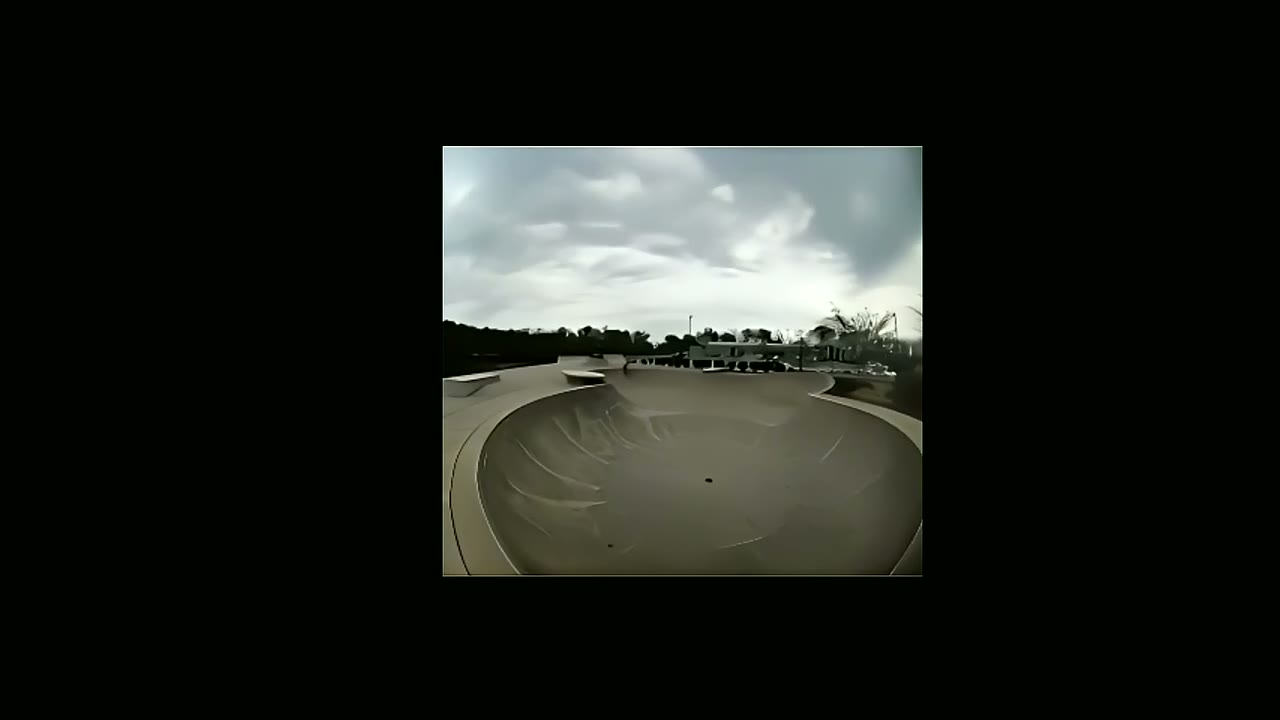
Skate Clip Cleanup

Focused on reducing compression noise, improving edge clarity, and lifting local contrast while keeping motion natural.

Before
Video not found
Expected file: video-example-skate-before-real-20260411.mp4
Baseline export at 1280x720 for side-by-side comparison.
After GPU NVENC
Video not found
Expected file: video-example-skate-after-real-20260411.mp4
Denoise, controlled sharpening, and tone refinement before GPU export.
Process: `hqdn3d`, `unsharp`, `eq` | Codec: `h264_nvenc` | Output: 1280x720
Example 2

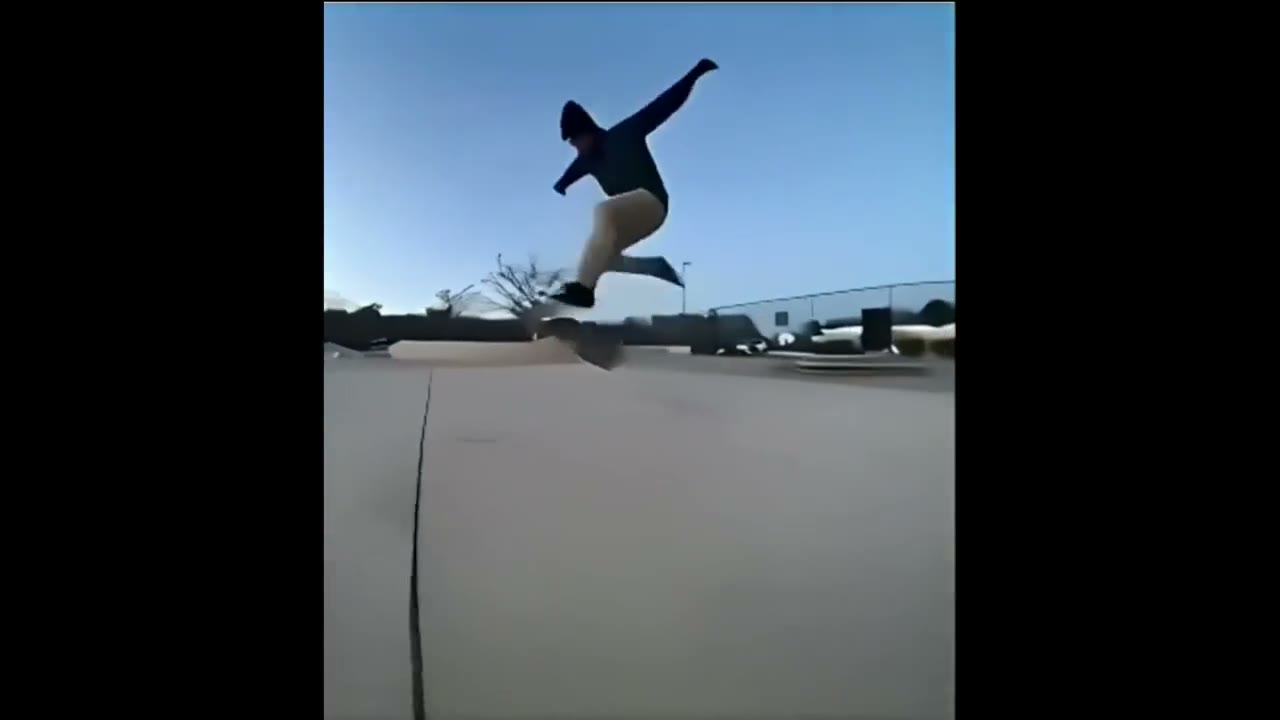
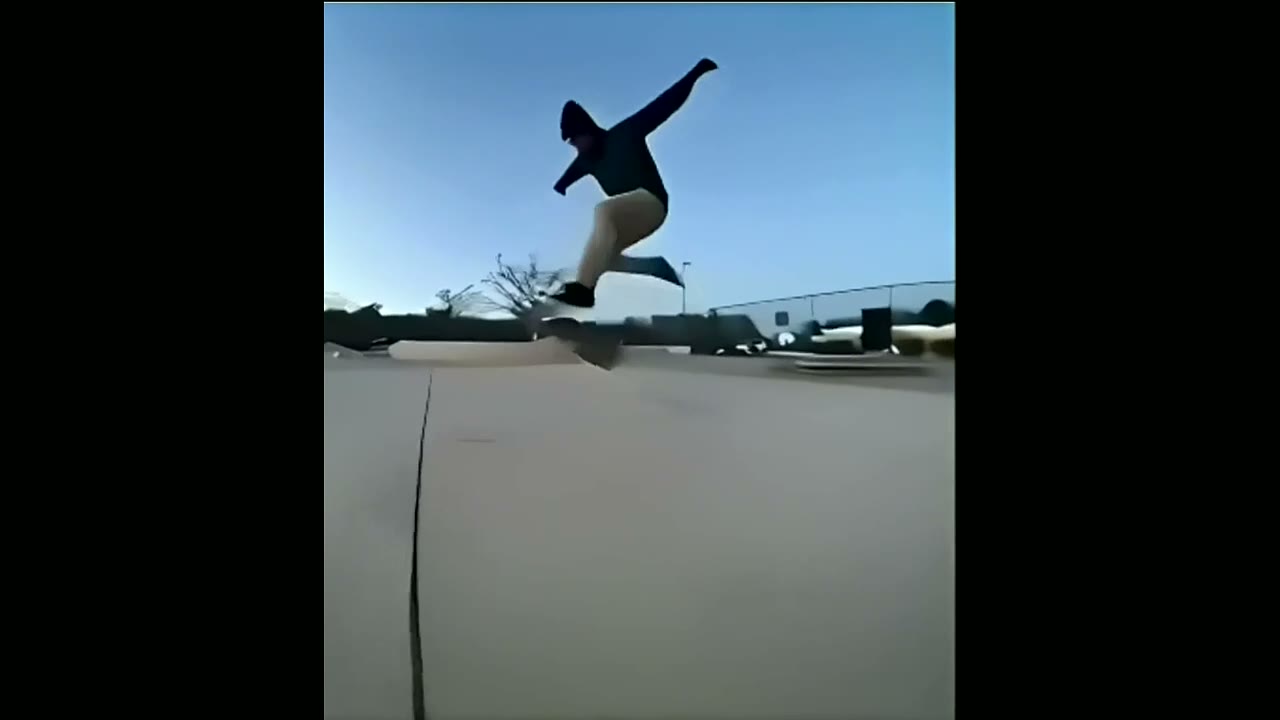
City Motion Detail Cleanup

Tuned to keep motion detail while reducing visual noise and improving perceived sharpness in an urban scene.

Before
Video not found
Expected file: video-example-city-before-real-20260411.mp4
Baseline export at 1280x720 for consistent playback and comparison.
After GPU NVENC
Video not found
Expected file: video-example-city-after-real-20260411.mp4
Moderate denoise, cleaner edges, and small brightness and contrast refinement.
Process: `hqdn3d`, `unsharp`, `eq` | Codec: `h264_nvenc` | Output: 1280x720

How to get similar video enhancement results

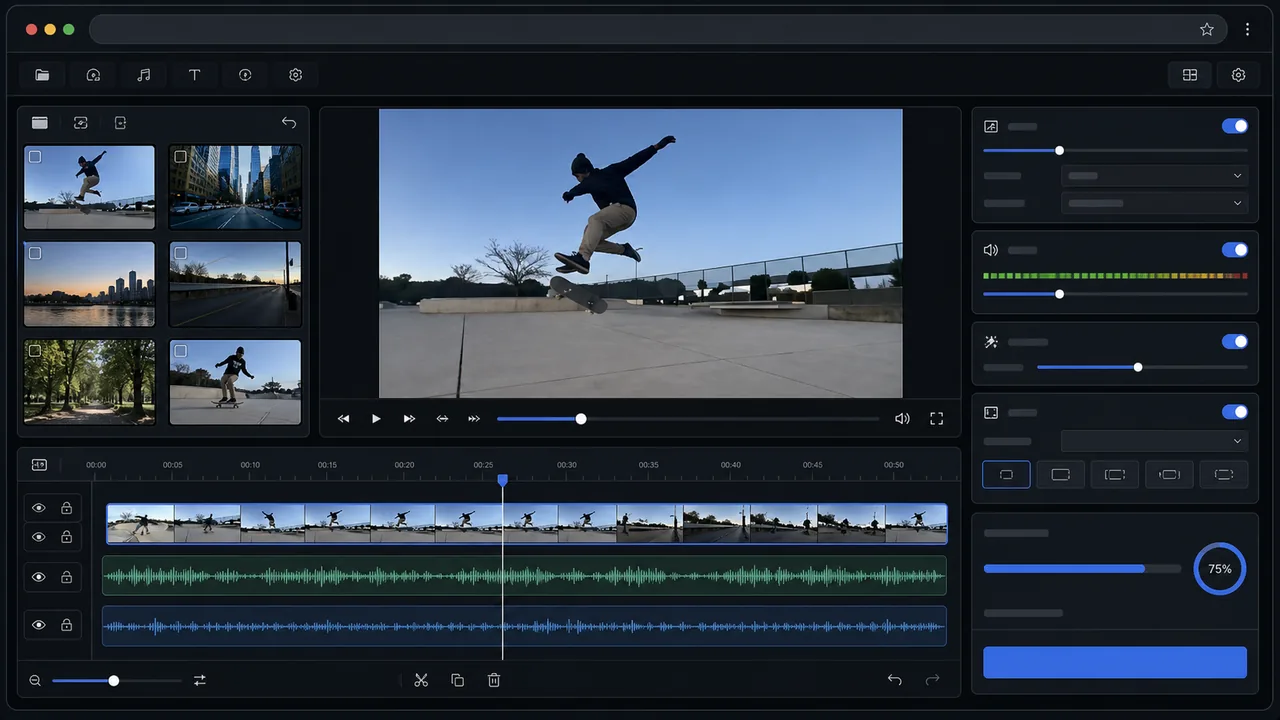
  • Upload a clip in the main workspace.
  • Choose a quick preset like Fast, Balanced, or High Quality.
  • Preview the result and export the processed video.

Related tools

Use the main workspace, open the dedicated video pages, or compare against the photo examples page.

Ready to test your own clip?
Open the Video Workspace
Examples shown here are real before-and-after outputs generated on April 11, 2026.