Start in the workspace
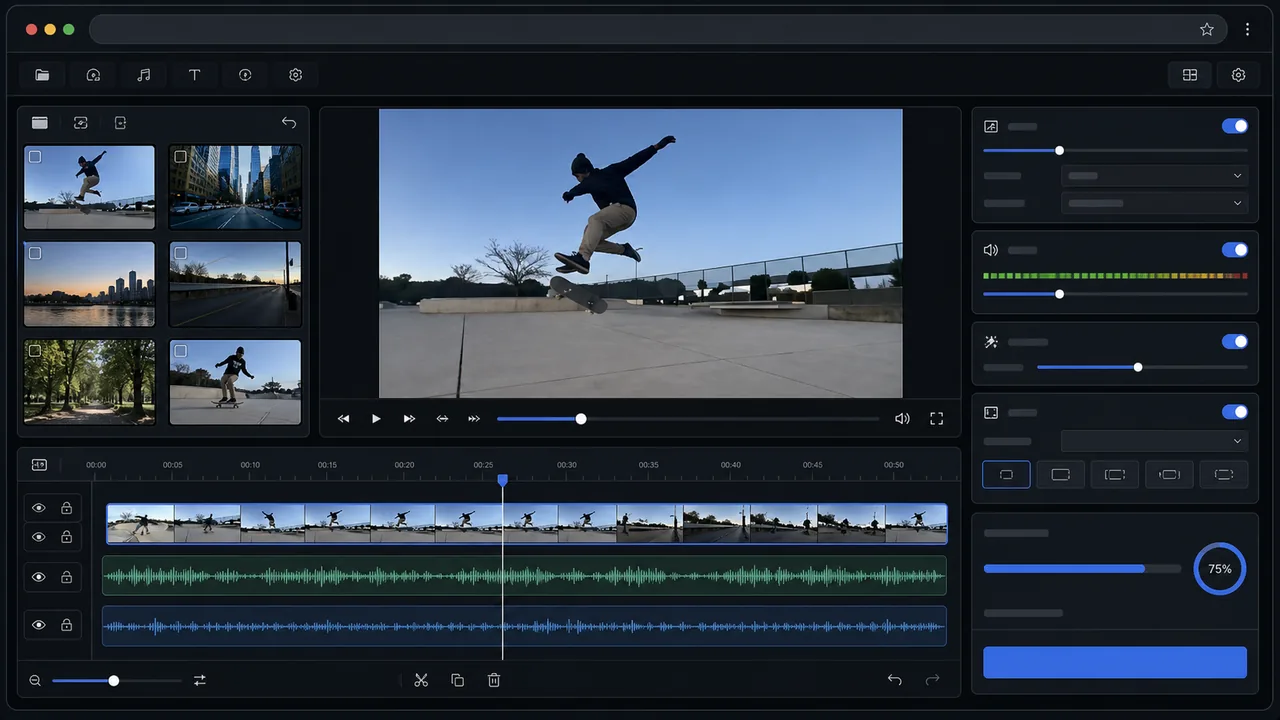
Open AI Video Studio and preview the original clip. Choose a short trim where the quality issue is visible.
Clean up soft, compressed, noisy, or dull footage in AI Video Studio. Choose your trim and settings, process with Video credits, then review the result.
Use this page for compression, noise, color, and export polish. Use the blur page only when focus is the main issue.
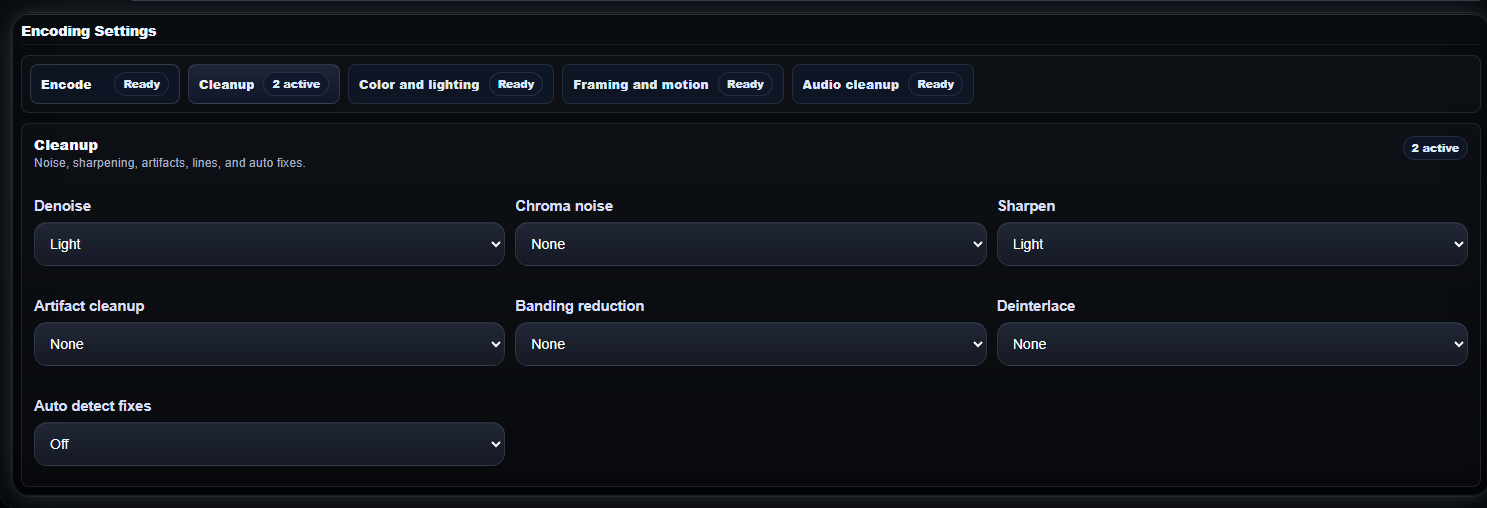 Cleanup controls
 Use cleanup settings for compression blocks, noisy edges, sharpening, and general clip polish.
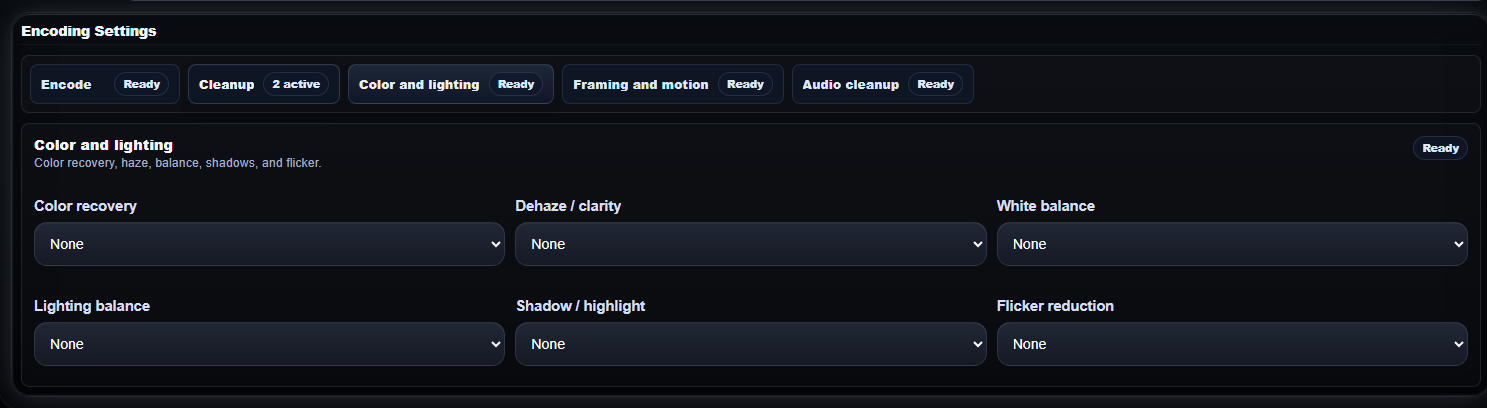 Color and clarity
 Check color recovery, haze, white balance, shadows, highlights, and flicker before export.
 Examples hub
 Use the examples page when you want to inspect real before-and-after video results.
Open AI Video Studio and preview the original clip. Choose a short trim where the quality issue is visible.
Adjust the cleanup settings for your source. Sign in and process using 1 Video credit per started minute.
After paid processing, check the result for clearer detail and natural motion. The source preview itself is not enhanced.
Download the processed output after the clip looks clearer at the size you plan to share.
Use these pairs to judge whether cleanup helps before opening the workspace.
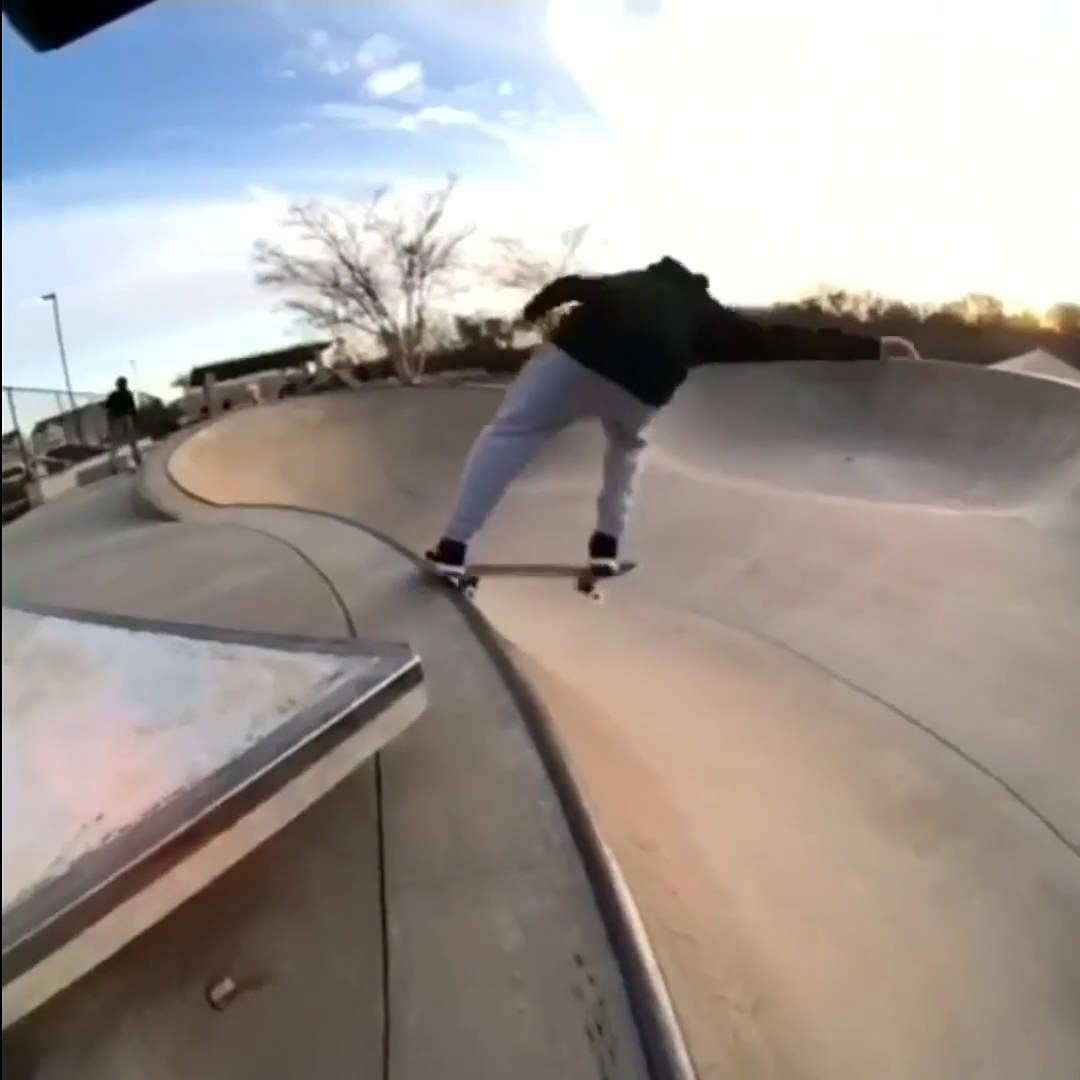
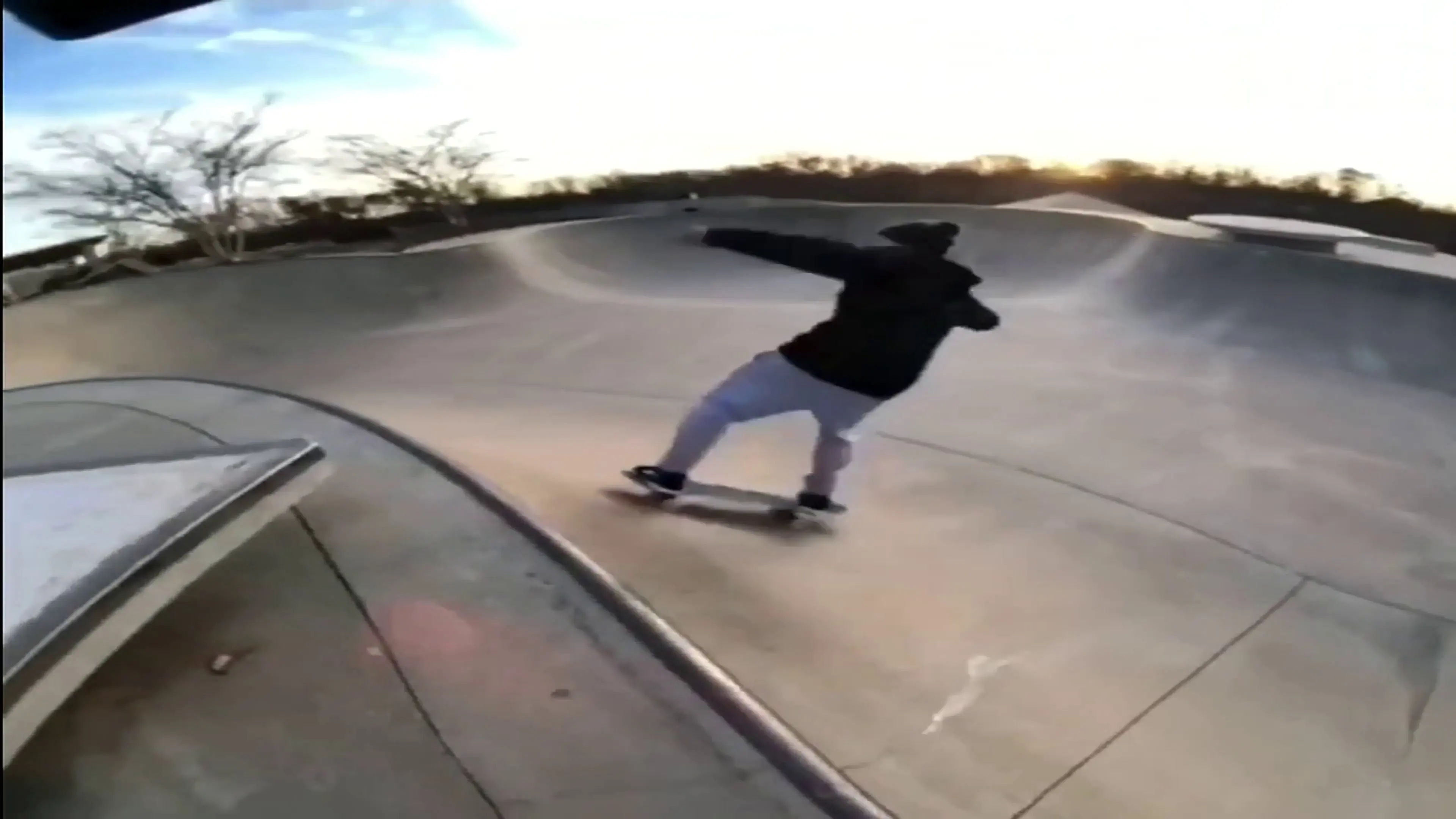
Useful for older or low-resolution clips that need a cleaner, easier-to-watch export.
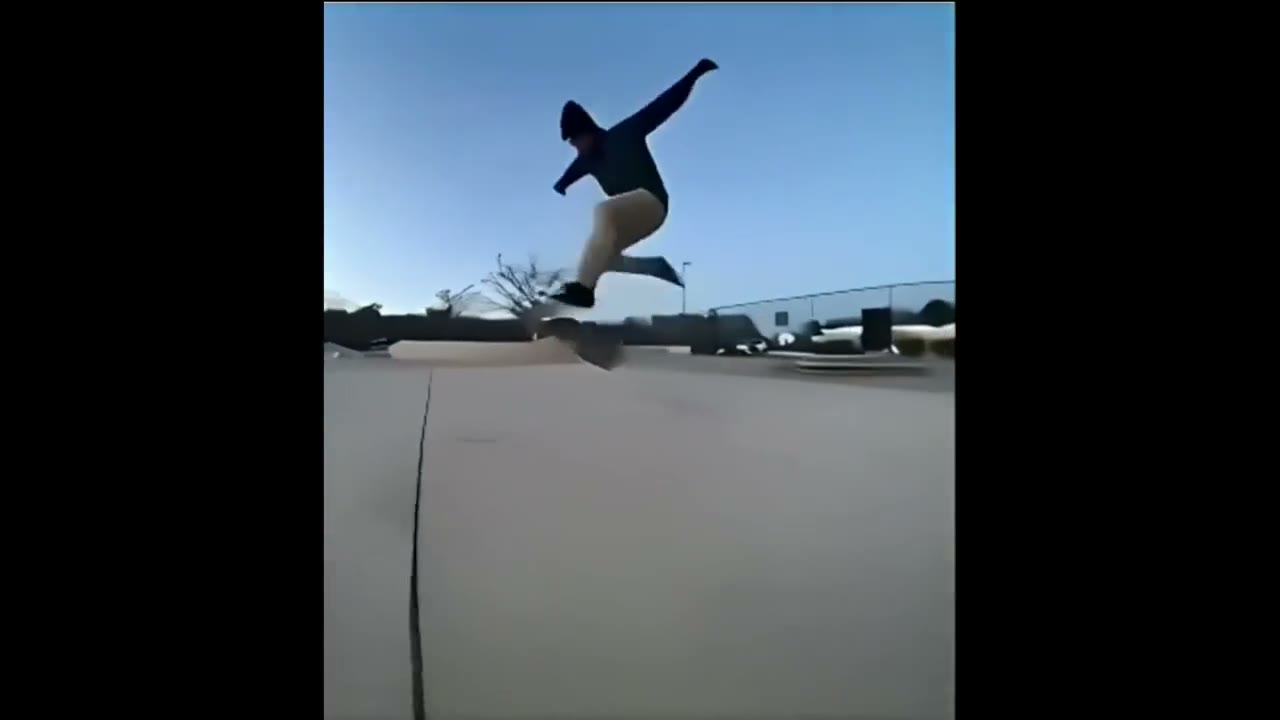
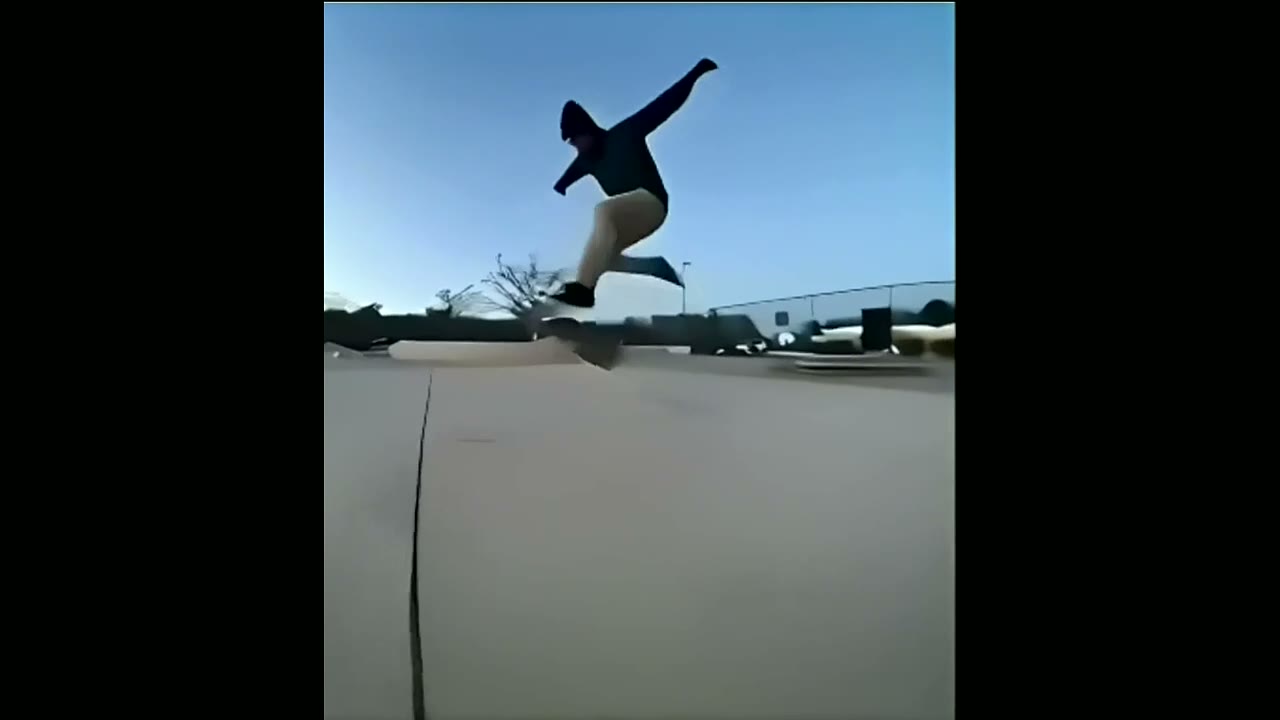
Useful for checking whether a moving clip reads better after cleanup while still looking natural.
The station gives you a broader workspace for upload, preview, trim, audio, enhancement, and export checks before changing settings.
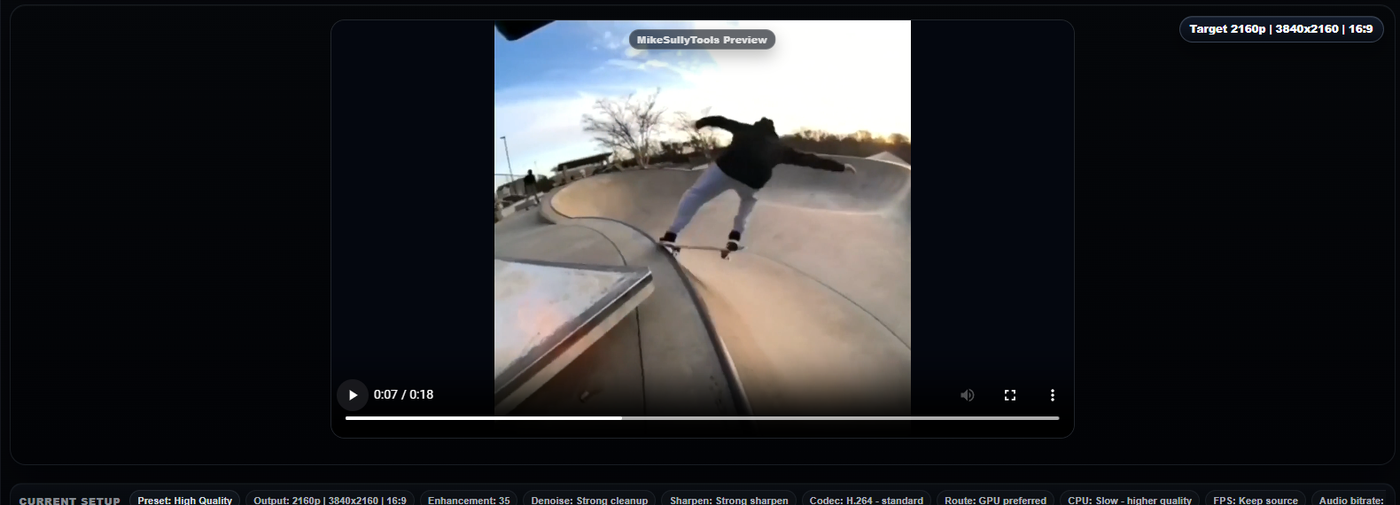
Yes. In AI Video Studio, preview the original clip and choose a trim first. Sign in and use Video credits to create an enhanced result, then review and download it. Source preview does not include free AI processing.
This page is for general quality cleanup: soft detail, compression artifacts, noisy clips, dull contrast, and clips that need a cleaner export path.
Use Improve Video Quality Online for broad cleanup and sharing prep. Use Fix Blurry Videos Online when blur, soft focus, or unreadable motion detail is the main issue.
Open the AI Video Studio Examples page for before-and-after clips and links to each video workflow.
Buy Video credits from $5: choose 5–50 credits at $1 each, with a 5-credit minimum purchase. Processing uses 1 credit per started minute. An account is required, and unused credits remain in your Video wallet.