
What this page is for
Enhance Images Online is the general photo-quality route for MikeSullyTools. Use it as an image resolution enhancer, photo quality enhancer, or AI photo enhancer online when a picture needs cleaner texture, better contrast, reduced compression artifacts, and clearer detail before export.
Enhance images online in four practical steps
Sign in, upload your image, and choose your settings. Processing uses AI Photo Studio credits; compare the finished result before downloading.
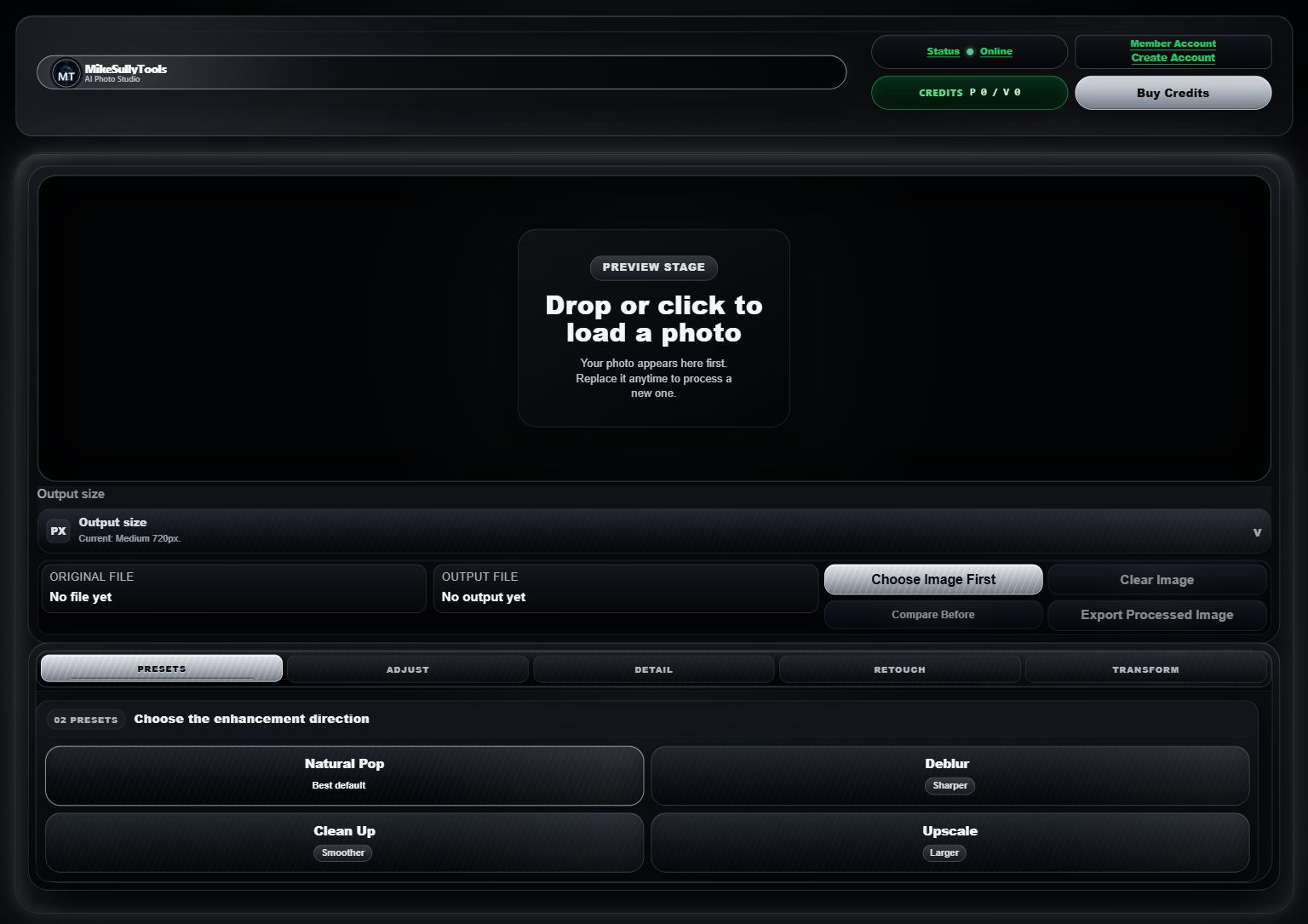
See the real AI Photo Studio before you open it
Explore the current AI Photo Studio layout before loading your photo. The workspace brings the preview area, output size, file details, enhancement presets, and export controls together.
When each enhancement direction makes sense
Choose the direction that matches the image problem instead of applying every control at once.
Related photo routes
Use these pages when the image problem is more specific than general enhancement.
Enhance Images Online FAQ
Can I enhance images online before downloading?
Yes. Sign in to AI Photo Studio, upload a picture, and process it with paid credits. You can then compare the finished result before choosing whether to download it.
Should I use Enhance Images Online or Fix Blurry Images Online?
Use Enhance Images Online for general clarity, contrast, compression cleanup, and low-quality pictures. Use Fix Blurry Images Online when blur or unreadable detail is the main problem.
What kinds of photos can be improved?
Slightly soft photos, compressed images, older pictures, product photos, profile images, and social media graphics can often benefit from enhancement.
Do I need desktop editing software?
No. The photo workflow runs in the browser, with related pages for examples, blur repair, and the full AI Photo Studio.
Ready to enhance your photos?
AI Photo Studio credits are $0.50 each ($5 minimum). Standard enhancements use 1 credit; premium Topaz deblur uses 2. Your selected pack carries into your account, where you can choose 10 to 50 credits.